SystemsHow It WorksIndustriesPricingHow We BuildAboutShow me what I can automate
← Moredo Systems
Ready-to-Launch System

Employee Time & Job Log

Staff clock in with a text, hours land against the right job, and the weekly timesheet builds itself.
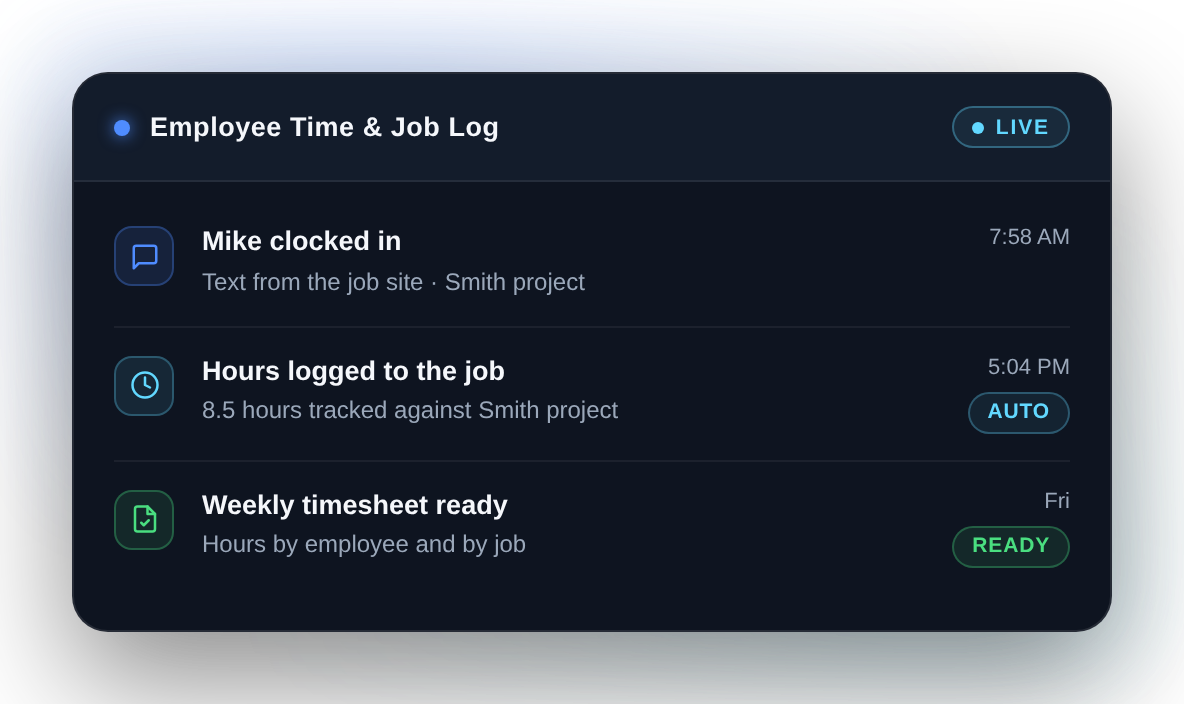
Moredo Employee Time and Job Log system recording a clock-in against a job and building the timesheet
From $950 CAD
One-time implementation. Your figure is confirmed in writing after the Automation Review, before any work begins.
The problem

Hours get written on paper, remembered at the end of the week, or never tied to the job they belong to. Payroll and job costing both suffer.

Clock in
→
Hours logged to job
→
Weekly timesheet
Business outcome
Hours you can actually trust, by employee and by job.
What it can do
✓Let staff clock in and out by text, with no app to install
✓Attach those hours to the job or project they were worked on
✓Flag missing or unusual entries for someone to check
✓Build a weekly timesheet by employee and by job
✓Send it where your payroll and job costing already happen
What you get

Implemented, tested and handed over.

Included in the implementation
✓Configured around your jobs, crews and pay week
✓Clock-in wording and rounding rules agreed with you
✓A review step before timesheets go to payroll
✓Tested with a real crew and a real week before it goes live
✓Documentation and handover at the end of the build
Not included
Any tracking of staff between clock actions
Payroll processing itself, or employment advice
Ongoing monitoring and maintenance, unless you add Moredo Care
01
Automation Review
We look at how hours are captured today, how jobs are identified, and where payroll happens, then agree the scope in writing.
02
Build and connect
We configure the clock-in flow and the job matching, and connect the timesheet to the system you already use.
03
Test and launch
We run a real week alongside your current method, compare the two, then launch and hand over documentation.

This system records the clock actions your staff choose to send. It does not follow anyone during the day. Where location is configured at all, it is only what an employee voluntarily shares at the moment they clock in or out, and your team should be told how it works before it goes live.

Start with this system.

Book an Automation Review. We confirm what can be connected in your setup, and the exact figure, before any work begins.