SystemsHow It WorksIndustriesPricingHow We BuildAboutShow me what I can automate
Ready-to-Launch Systems

Start with one system.
Build from there.

Choose a proven Moredo system today. Connect more as your business grows, until the work that runs your company moves as one system instead of eleven separate jobs.
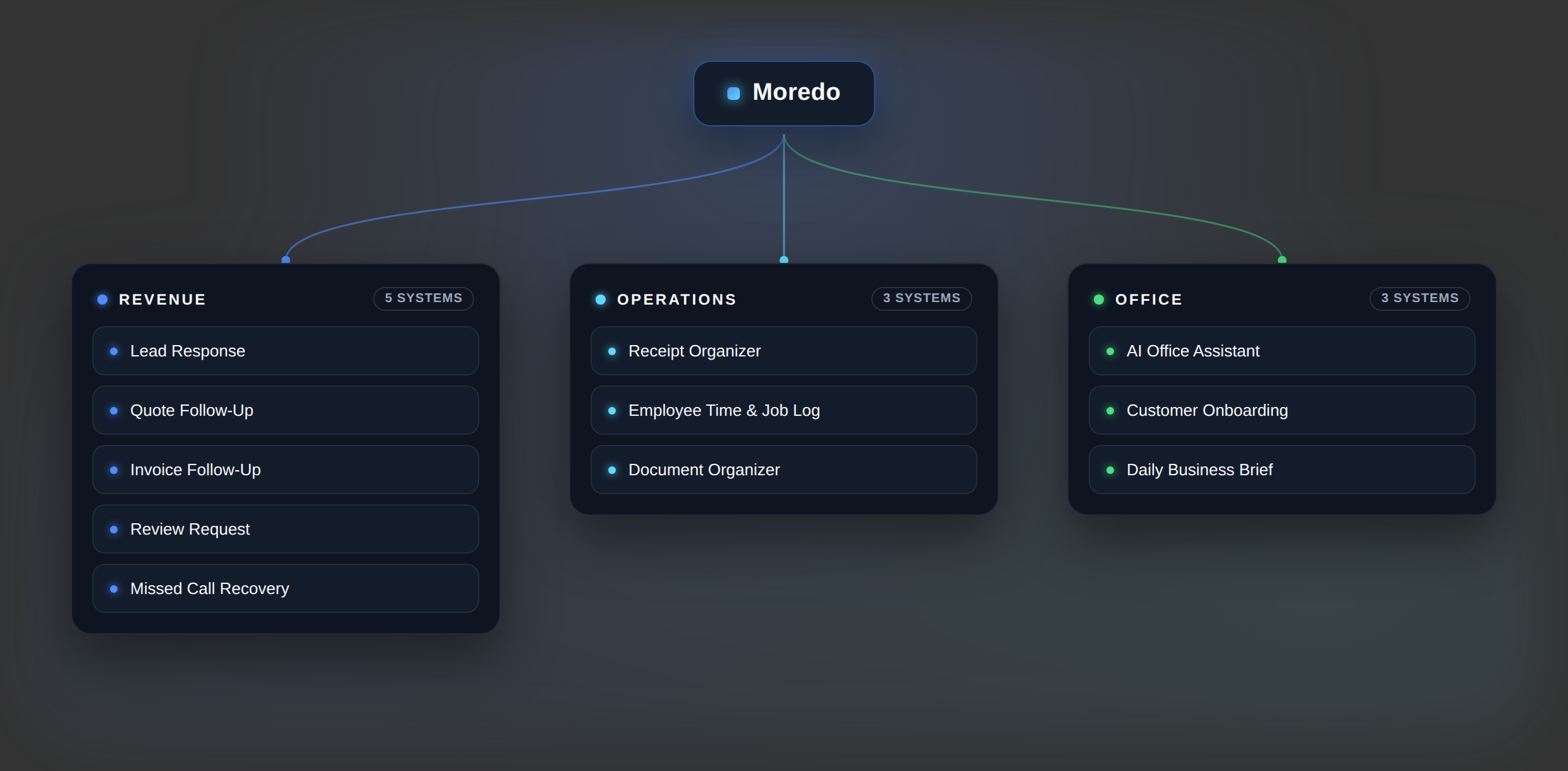
Map of Moredo's 11 automation systems grouped into Revenue, Operations and Office
Not sure where to start?

Tell us what is wasting time in your business. We will help identify the best place to automate first — you do not need to know which system you need before you talk to us.

Show me what I can automate
How this differs

A system, not software.

A Ready-to-Launch System is a solution Moredo already knows how to build. You are not buying access to anything. We configure it inside your business and connect it to the tools you already work in.

What you get
A working system implemented in your business environment
Connection to the tools your team already uses
A documented handover, with optional Moredo Care afterwards
What it is not
Not a product you log into or a seat you rent
Not a file you are handed and left to set up yourself
Not a fixed product that ignores how you work
Level 01 · Ready-to-Launch Systems

Eleven systems. Four obvious places to start.

Most businesses begin with one of the four below. If none of them is obviously the one costing you the most time, tell us what your week looks like and we will recommend where to start.

Start here
The four most businesses begin with.

Lead Response System

New enquiries arrive while you and your team are busy, so the reply is late or never happens.
Lead
→
Response
→
Follow-up
→
Booking
What it can do
✓Capture new enquiries as they arrive
✓Acknowledge the lead straight away
✓Collect the basic information, then qualify or route it
✓Trigger follow-up and schedule a call where appropriate
✓Log the lead into the system you already use
Business outcome
Faster response and fewer missed opportunities.
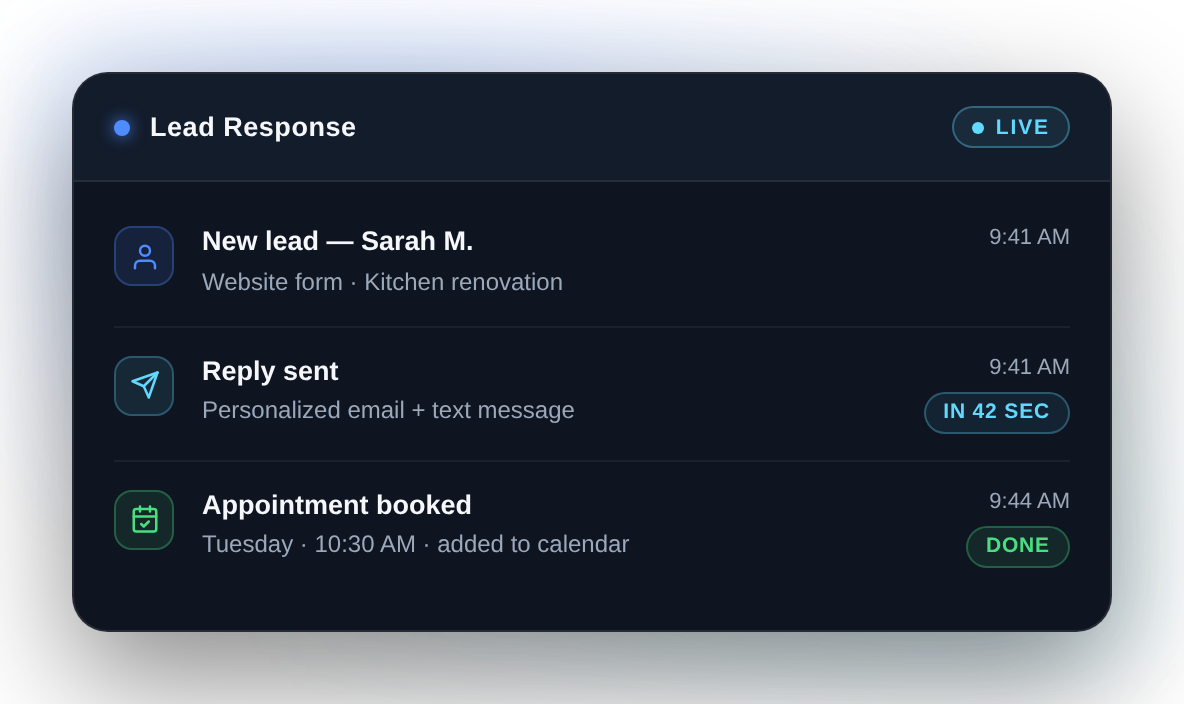
Moredo Lead Response system replying to a new lead in 42 seconds and booking an appointmentGet this systemSee details and pricing →

Quote Follow-Up System

Quotes and estimates go out, but following them up depends on someone remembering.
Quote
→
Waiting
→
Follow-up
→
Decision
What it can do
✓Track open quotes in one place
✓Identify the ones still waiting on a response
✓Schedule follow-up and flag anything that needs you
✓Prepare or send the reminders you have approved
✓Stop once the quote is accepted, declined or closed
Business outcome
More consistent follow-up, without chasing every quote by hand.
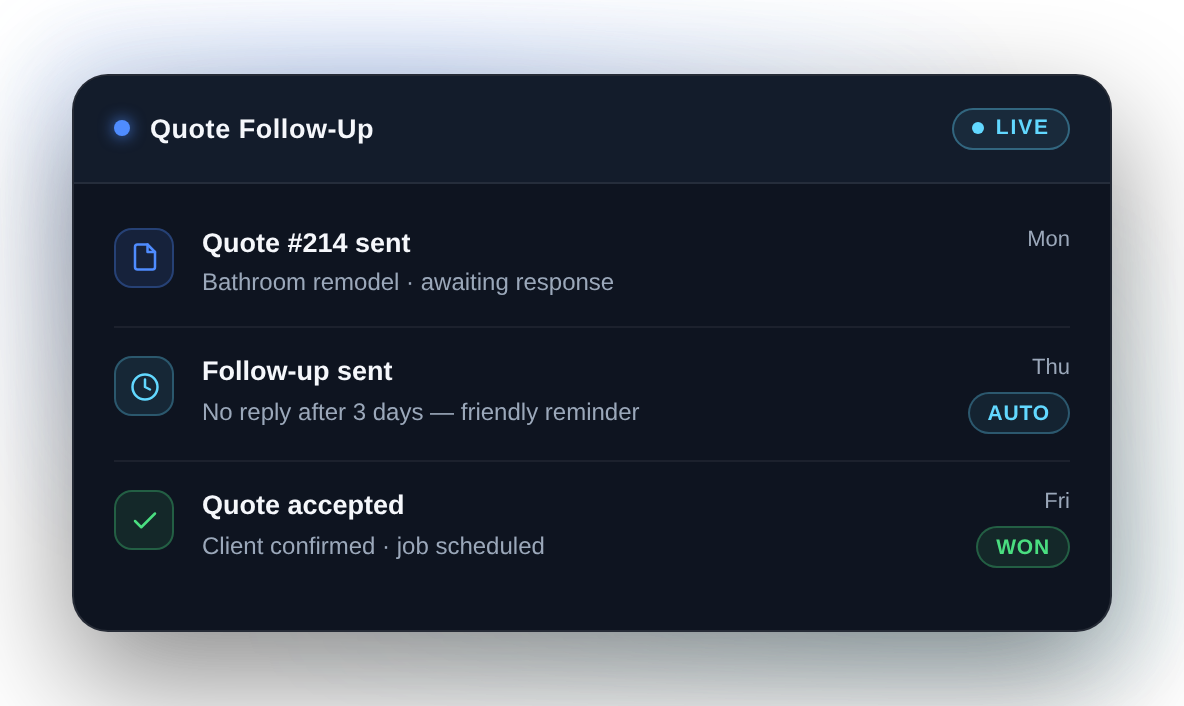
Moredo Quote Follow-Up system tracking an open quote and sending a scheduled follow-upGet this systemSee details and pricing →

Receipt Organizer

Receipts live in pockets, trucks, email inboxes and camera rolls.
Receipt
→
Extract
→
Categorise
→
File
What it can do
✓Receive receipt photos or PDFs however they arrive
✓Read the vendor, date and total
✓Categorise the expense and attach it to a job where configured
✓Rename and file the original document
✓Write structured records to your spreadsheet or accounting system, with monthly summaries where needed
Business outcome
Cleaner records and far less manual expense admin.
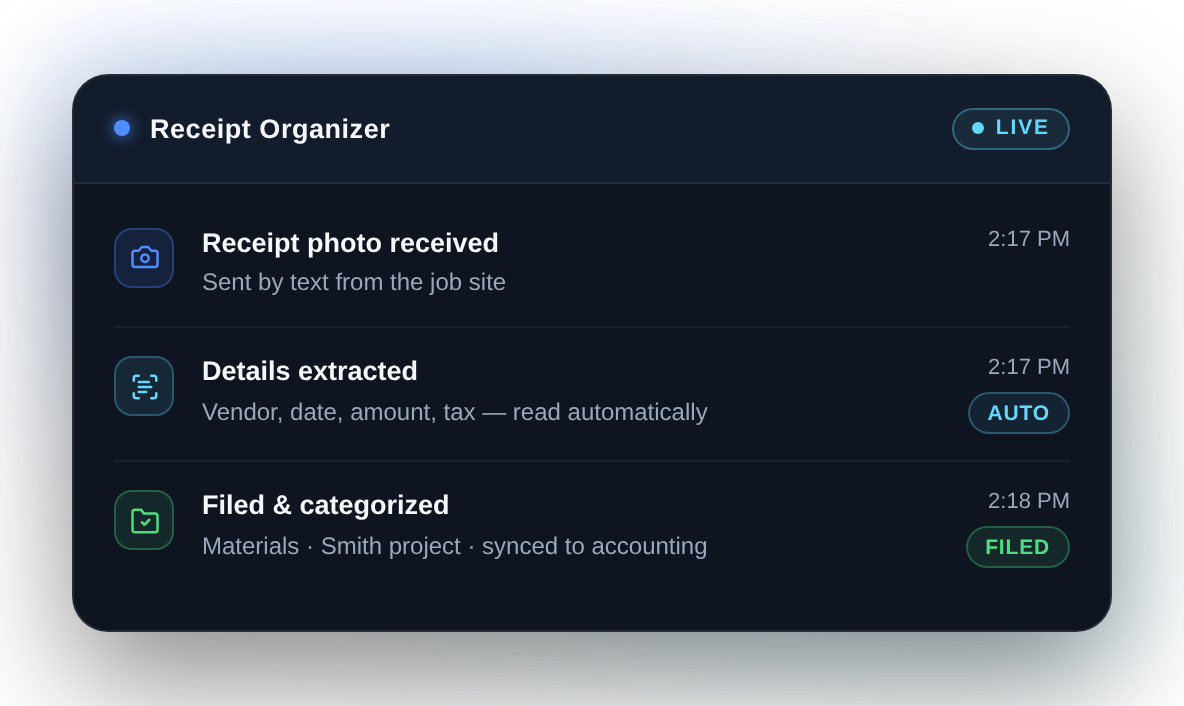
Moredo Receipt Organizer reading a receipt, categorising the expense and filing it to the right jobGet this systemSee details and pricing →

Invoice Follow-Up System

Outstanding invoices need repeated manual checking and chasing.
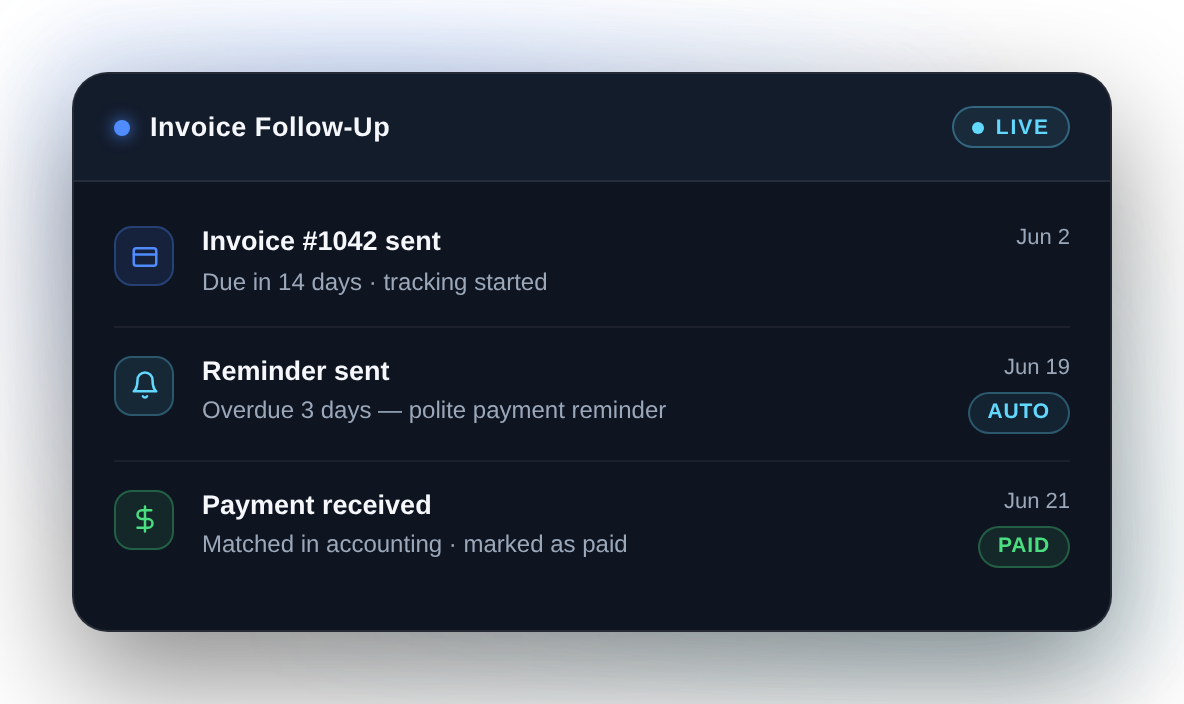
Invoice
→
Overdue
→
Reminder
→
Paid
What it can do
✓Monitor the invoice records you nominate
✓Identify what has gone overdue
✓Schedule professional reminders on your schedule
✓Prepare or send messages under rules you approve
✓Escalate older invoices to you, and stop when payment is recorded
Business outcome
More consistent payment follow-up and less manual chasing.
Moredo Invoice Follow-Up system flagging an overdue invoice, sending a reminder and recording paymentGet this systemSee details and pricing →
Revenue
More ways to protect the money already coming your way.

Review Request System

Happy customers rarely leave a review, because nobody remembers to ask them.
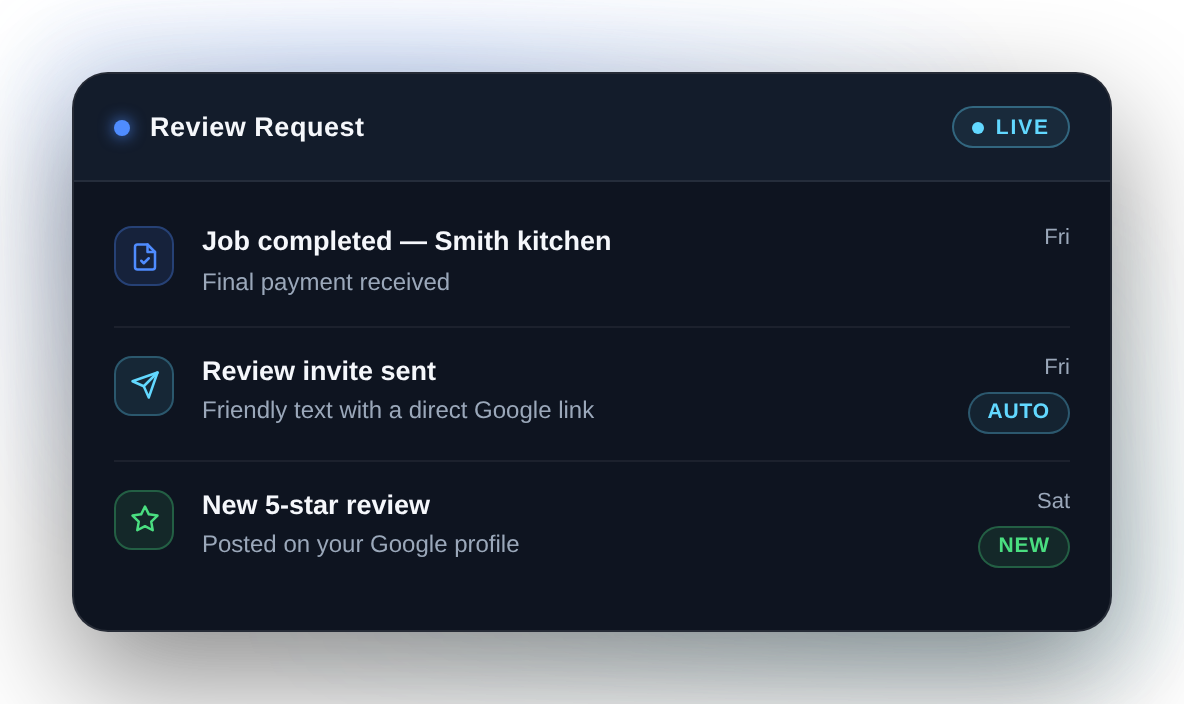
More consistent review collection with less manual follow-up.
What it can do+
Job done
→
Request
→
Reminder
→
Review
✓Trigger after a completed job or an agreed milestone
✓Send the request with your review link
✓Send one reminder where that is appropriate
✓Stop once it is done, or as soon as you step in
Every customer gets the same request. We do not screen who is asked, and no system can promise good reviews — only that you stop forgetting to ask.
Moredo Review Request system sending a review invite after a completed job and recording the new reviewGet this systemSee details and pricing →

Missed Call Recovery

Customers call while you are on a job, and the lead can be gone before anyone calls back.
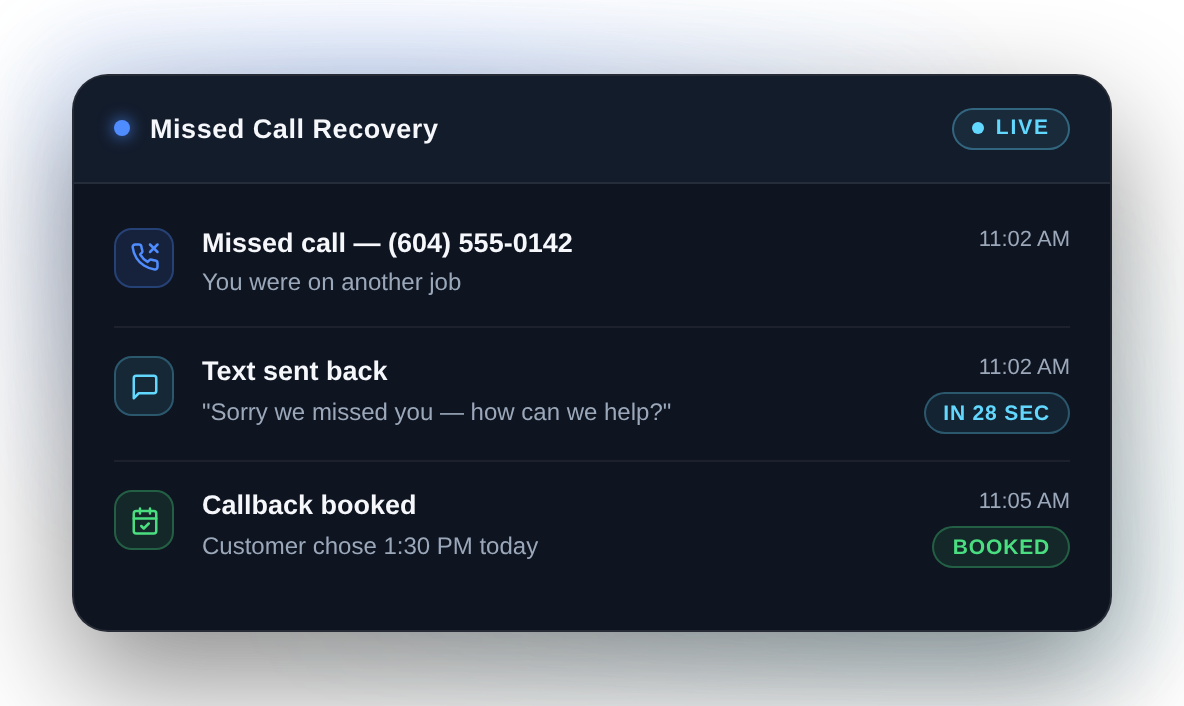
Fewer missed opportunities from unanswered calls.
What it can do+
Missed call
→
Message back
→
Details
→
Booked
✓Detect a missed call, where your phone system supports it
✓Send an immediate follow-up message
✓Collect the basic job and customer details
✓Notify you, route the lead into your CRM and book a time where appropriate
Missed-call detection depends entirely on your phone provider. Some support it, some do not. We check yours before quoting anything.
Moredo Missed Call Recovery system texting back a missed caller in 28 seconds and booking a callbackGet this systemSee details and pricing →
Operations
The record-keeping that piles up while the real work gets done.

Employee Time & Job Log

Hours, job locations and notes get tracked on paper or rebuilt at the end of the week.
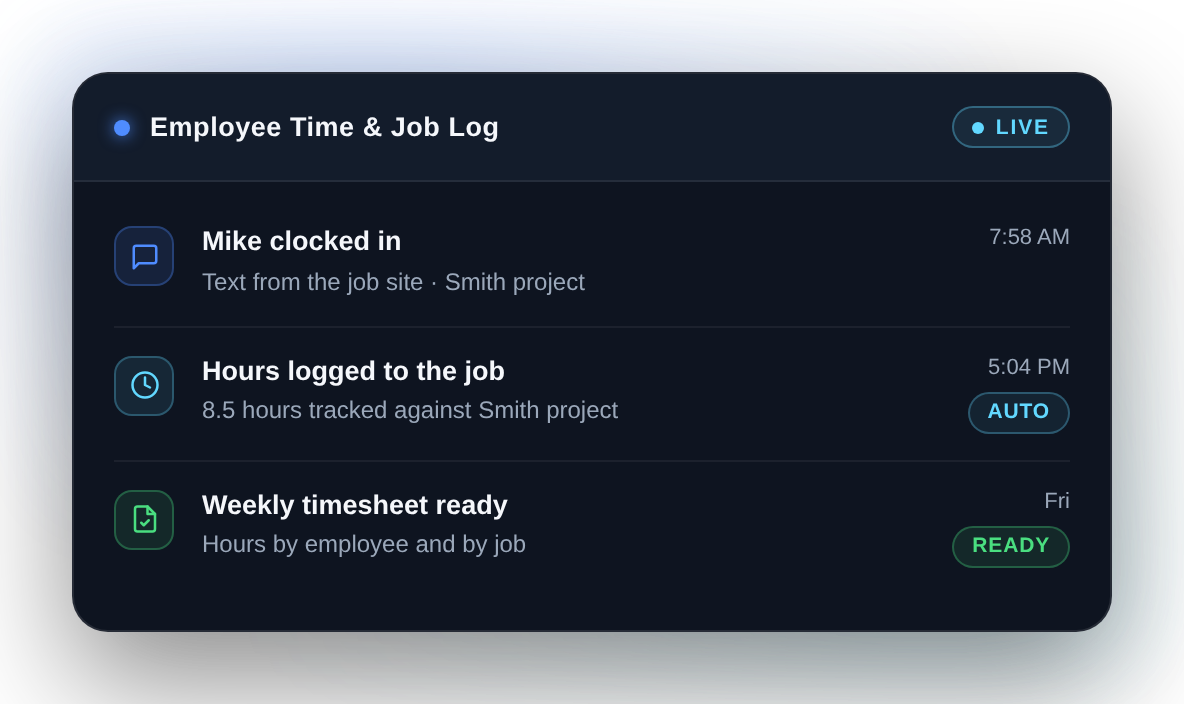
Cleaner timesheets and better job-level labour records.
What it can do+
Clock in
→
Job
→
Clock out
→
Timesheet
✓Clock in and out through a messaging app the team already uses
✓Record time against the right project or job
✓Capture the location an employee voluntarily shares at the moment they clock in or out, where configured
✓Total daily and weekly hours, produce manager reports and flag missing clock-outs
This records only what someone chooses to share at the moment of a clock action. It does not follow employees during the day and it is not continuous tracking.
Moredo Employee Time and Job Log system recording a clock-in against a job and building the timesheetGet this systemSee details and pricing →

Document Organizer

Business documents are spread across inboxes, folders and shared drives.
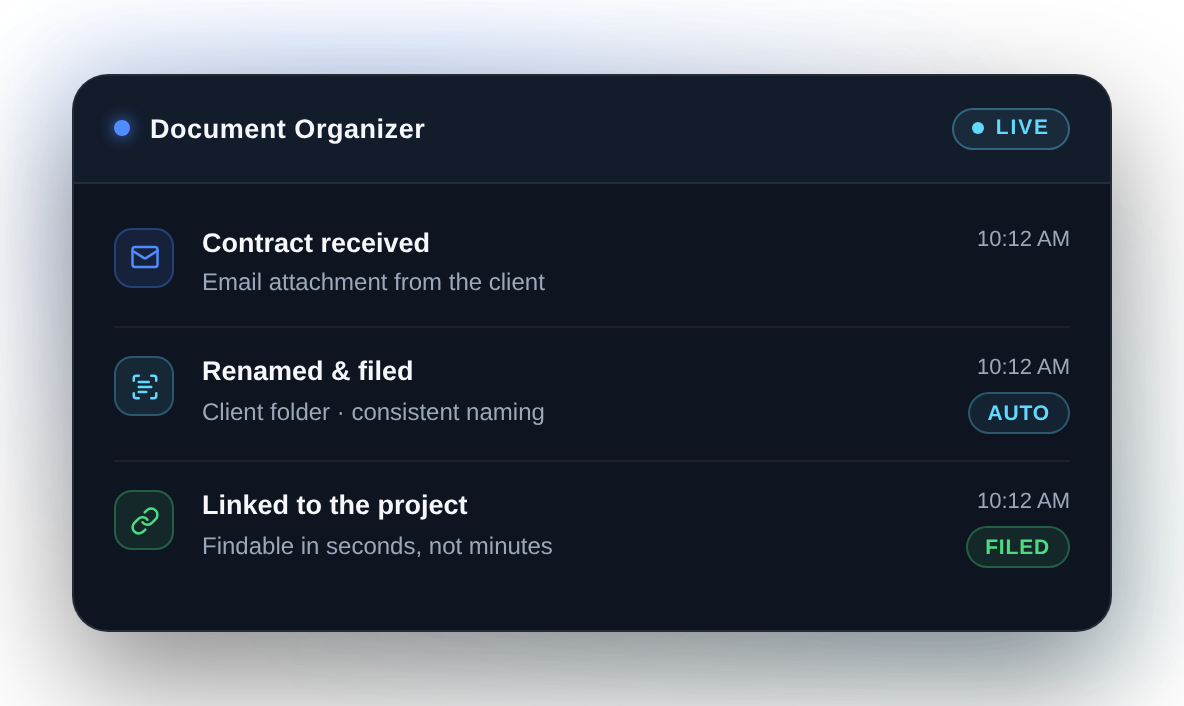
Less time spent searching, and organisation that holds up.
What it can do+
Document
→
Identify
→
File
→
Findable
✓Receive documents from wherever they arrive
✓Identify what kind of document it is and pull out key information
✓Rename, file and link them to the right customer or project
✓Build searchable records so things can be found again
Moredo Document Organizer reading an incoming document, naming it and filing it in the right folderGet this systemSee details and pricing →
Office
The daily administration that quietly takes the owner's morning.

AI Office Assistant

Calendar, reminders, routine email and small admin tasks eat the day of whoever runs the office.
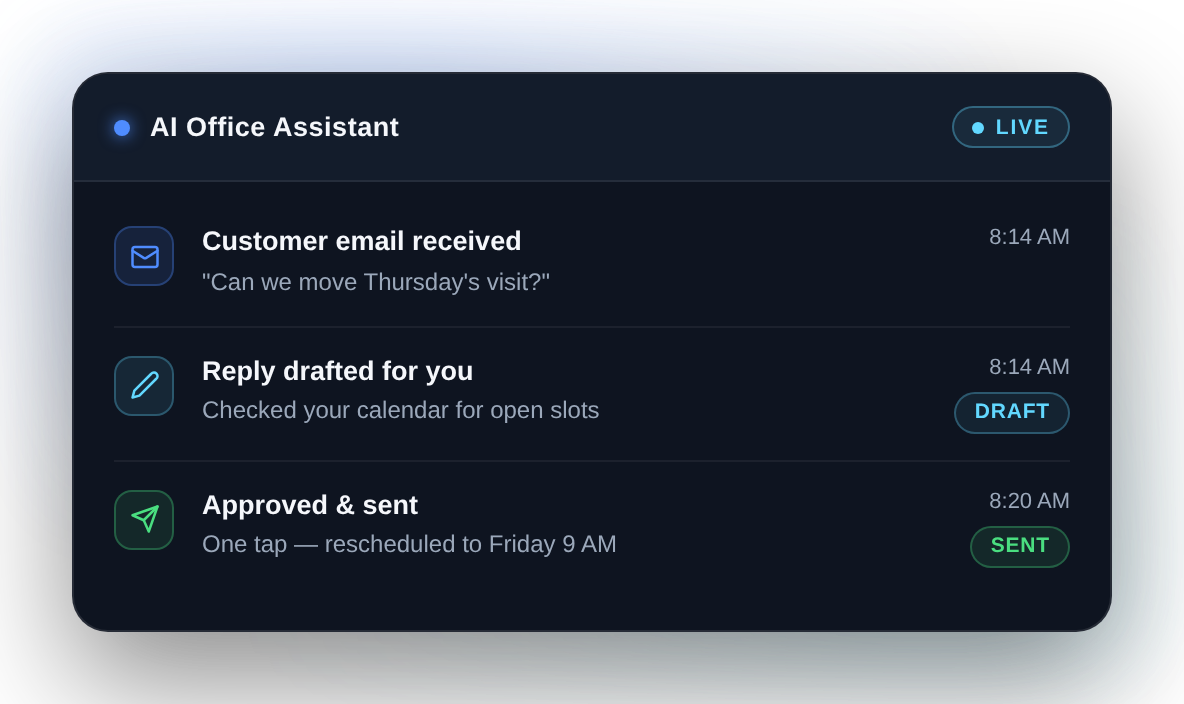
Less of the day spent on repetitive office administration.
What it can do+
Request
→
Draft
→
Your approval
→
Done
✓Create reminders and help with scheduling
✓Prepare email drafts for you to review
✓Organise simple tasks and send a short daily summary
✓Pass requests through to your connected business systems
Moredo AI Office Assistant handling a scheduling request, drafting the reply and updating the calendarGet this systemSee details and pricing →

Customer Onboarding

Every new customer needs the same details, paperwork and first steps, typed out by hand.
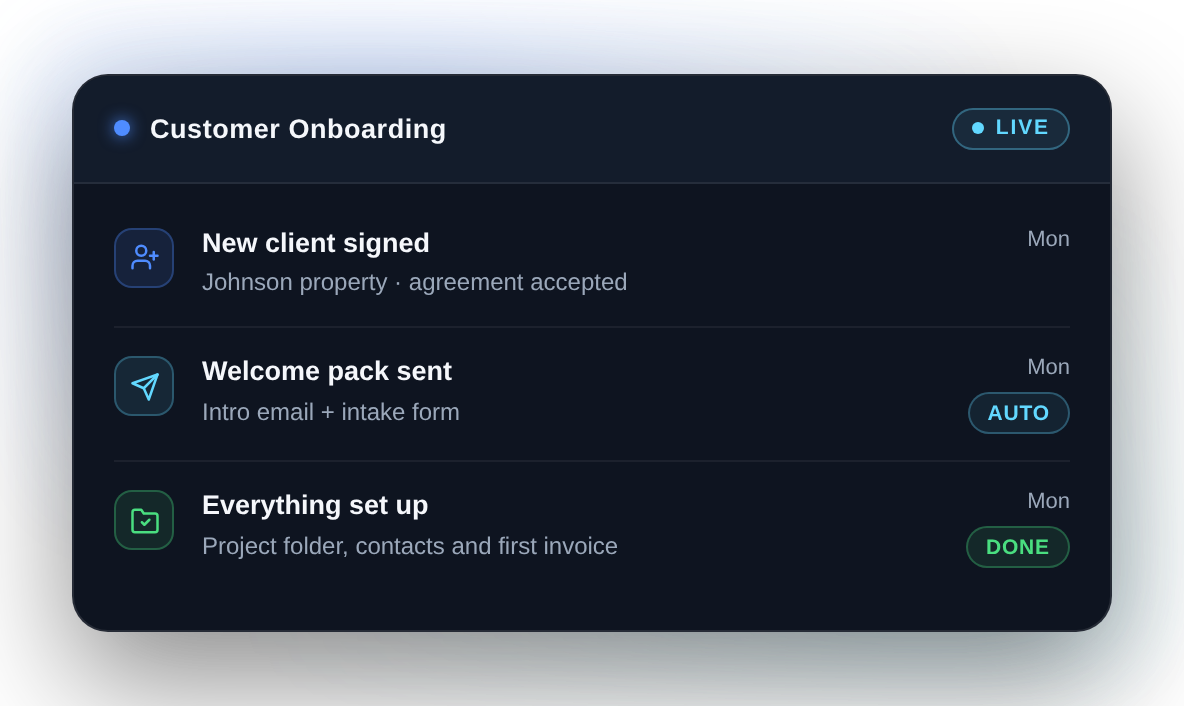
A consistent start for every customer, without repeating the same admin.
What it can do+
Won
→
Welcome
→
Details
→
Ready to start
✓Trigger when a customer is won or a job is confirmed
✓Send the welcome message and what happens next
✓Collect the details and documents you need up front
✓Create the customer record and hand the team the same clean start every time
Moredo Customer Onboarding system sending the welcome steps and tracking what the new customer has completedGet this systemSee details and pricing →
Where it starts coming together

Daily Business Brief

Most owners start the day opening five apps to work out what needs attention. This one reads across the systems you have connected and tells you — by email or a messaging app you already use.
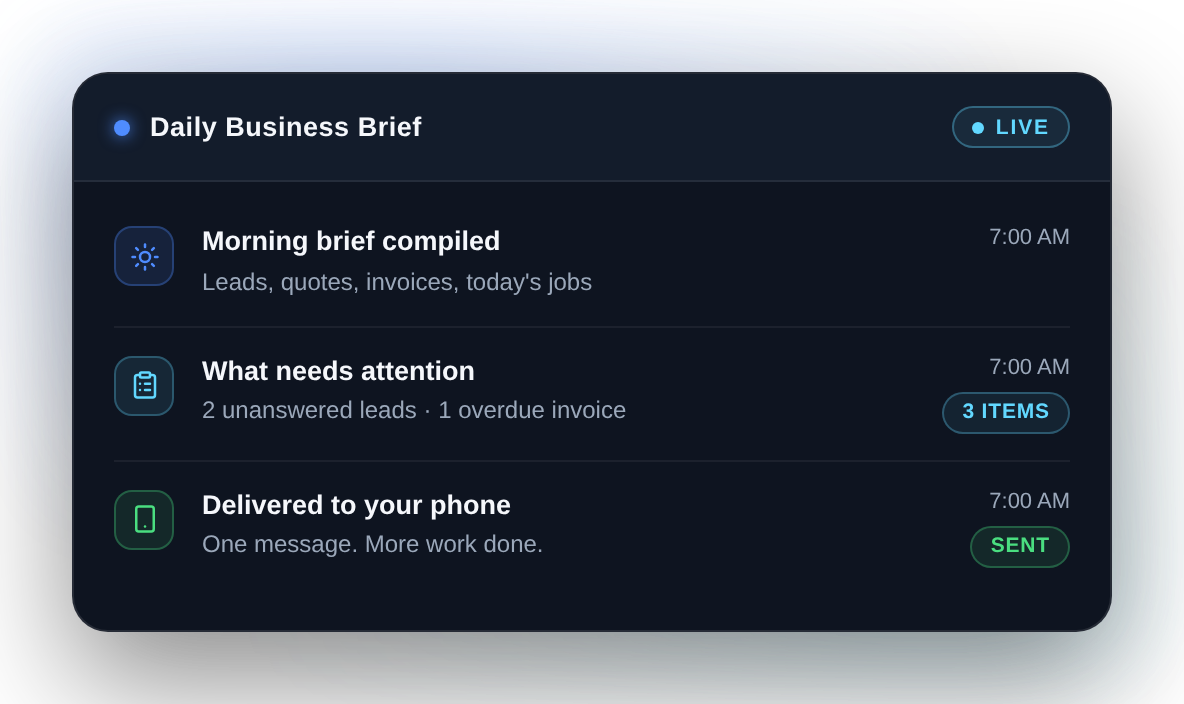
One clear view of what needs attention, instead of checking each system by hand.
What it can bring together+
✓New leads that came in
✓Quotes waiting on a response
✓Invoices that have gone overdue
✓Today's jobs and appointments
✓Missing employee entries, where configured
✓Receipts and documents still unprocessed
✓The few things that actually need you
The brief only reports on the systems that are connected. Start it with one and it stays useful; connect more and it becomes the single place you check.
Moredo Daily Business Brief summarising the day's leads, quotes and payments in one morning messageGet this systemSee details and pricing →

What each system can do depends on the tools and permissions available in your environment. We confirm exactly what is possible for your setup during the Automation Review, before any work begins.

Level 02 · Connected Business Systems

Connect the work.

Start with one automation, then connect the systems that run your business.

Lead-to-cash

Connect the customer journey from the first enquiry to payment and follow-up.

Lead
→
Response
→
Qualification
→
Quote
→
Follow-up
→
Invoice
→
Payment
→
Review
Job operations

Bring labour, expenses and project activity into one connected workflow.

Employee
→
Time
→
Project
→
Receipt
→
Cost
→
Documentation
→
Reporting
Back office

Reduce repetitive administration across the tools your office already uses.

Email
→
Calendar
→
Documents
→
Tasks
→
Reminders
→
Daily Brief
How a connected build runs

Your system is configured around the way your business operates. Scope is agreed before we build, and responsibilities, integrations and acceptance criteria are defined before implementation begins.

Agreed scope
Systems, integrations and outcomes are written down and signed off before any build work starts.
One point of contact
A single Moredo lead owns your implementation from the first call through to handover.
Defined process
Discover, design, build, connect, test, launch. The same stages on every implementation.
Typical timeline
Connected builds typically run 2–4 weeks from scope agreement to launch. Your dates are confirmed with your scope before we begin.
Tested before launch
Every workflow is tested against the acceptance criteria agreed at scoping, with you in the review.
Handover or Moredo Care
Take full ownership with documentation and access, or keep Moredo running it. Your choice at launch.
See how we build, test and hand over →
Level 03 · Where this goes

One business. One intelligent layer.

As your Moredo system grows, connected workflows can provide a clearer view across your business — the kind of question you would normally answer by opening four apps and a spreadsheet.

What needs my attention today?
Which quotes need follow-up?
How many hours did we spend on the Smith project?
What did we spend on materials this month?
Which invoices are overdue?

This is the direction Moredo systems grow toward, not a switch we turn on in week one. What can actually be answered depends on which systems are connected and what information they hold — which is why it starts with one.

Project Intelligence · an advanced capability

Know how the job is really performing.

Connect labour, expenses and project data and you can see where a job stands while it is running. This becomes possible once the systems holding that information are connected — most relevant to contractors and home services.

Quote / revenue
+
Employee hours
+
Receipts & material costs
+
Project activity
Better visibility into how the project is performing
✓Labour cost by project
✓Material cost by project
✓Project activity summaries
✓Budget against actual
✓Margin indicators, where the financial data is available

This is visibility, not accounting. Moredo does not give accounting advice or guarantee profitability figures, and what is possible depends on the data your connected systems hold.

What happens next

Choose a system. We do the rest.

01
Choose a system
Tell us which problem is costing you the most time.
02
Confirm your tools
We check what is possible with the tools and permissions you have.
03
We build and connect it
Configured around your business, then tested against your real scenarios.
04
Live, and yours
Handed over and working. Moredo Care afterwards is optional.

You get the scope and the figure in writing after the Automation Review, before any work begins.

Ready-to-Launch Systems
One system, implemented and live
Connected Business Systems
Scope agreed before we build
Moredo Care
Ongoing monitoring and support
See implementation pricing →
Not on the list

Most of our work is still custom.

Ready-to-Launch Systems are the simplest way in, not the ceiling. If your process does not resemble anything above, we design the system around it from the ground up — and a system you start with here can be extended later.

Pick the one costing you most.

Tell us which system fits and which tools you run on. We will come back with what we would actually build, and what it takes.